 geo.be Metadata Catalog
service
Type of resources
Available actions
INSPIRE themes
federalThemes
Keywords
Contact for the resource
Provided by
Years
Formats
Update frequencies
status
Service types
-

This is the discovery service of the pan-European spatial datasets provided by the European mapping and cadastral agencies: EuroGlobalMap, EuroRegionalMap, EuroDEM, Open Cadastral Map, Pan-European Imagery, Open Gazetteer. The datasets are openly available accessible on the platform Open Maps for Europe (OME) http://www.mapsforeurope.org/.
-
This is the discovery service for the metadata which are made available by the Belgian federal government. It only contains the resources which have been declared for the INSPIRE reporting, i.e. the resources which contain the keyword “reporting INSPIRE”.
-

INSPIRE compliant download service (WFS) for geographic information of the Marine Spatial Plan made available by the Royal Belgian Institute for Natural Sciences (RBINS).
-
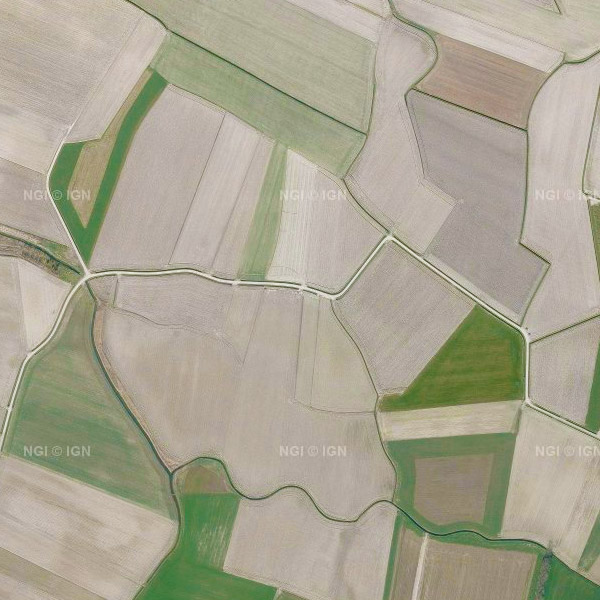
This service allows the visualization of the national orthophoto mosaics covering the entire territory of Belgium. The data is accessible via a Web Map Service (WMS). Orthophotos are aerial photographs that have been geometrically corrected (orthorectified) to eliminate distortions caused by terrain relief, lens distortion, and camera tilt. Unlike raw aerial imagery, orthophotos have a uniform scale and accurate geometry, making them suitable for cartography, measurements, and visual analysis. This specific service includes orthophotos from 2016 up to and including 2023, derived from aerial surveys carried out by the Belgian administrative Regions. A separate layer is published for each available year, with 2023 being the most recent orthophoto coverage in this service. The national orthophoto coverage is renewed annually. The orthophoto datasets of the Regions are integrated by the National Geographic Institute (NGI) into a single national coverage. Where possible, radiometric corrections are applied to ensure smooth transitions between the data of the Regions. The resulting orthophoto mosaics are georeferenced in the Lambert 2008 coordinate system. All orthophotos are in colour (RGB). For the 2016–2021 campaigns, the ground resolution (GSD) is 25 cm throughout Belgium. From the 2022 campaign onwards, the GSD is 25 cm in Wallonia and 15 cm in Flanders and the Brussels-Capital Region. The spatial coverage of this service is the entire Belgian territory. For downloading the most recent orthophoto mosaics, reference is made to the associated dataset "Orthofoto INSPIRE".
-
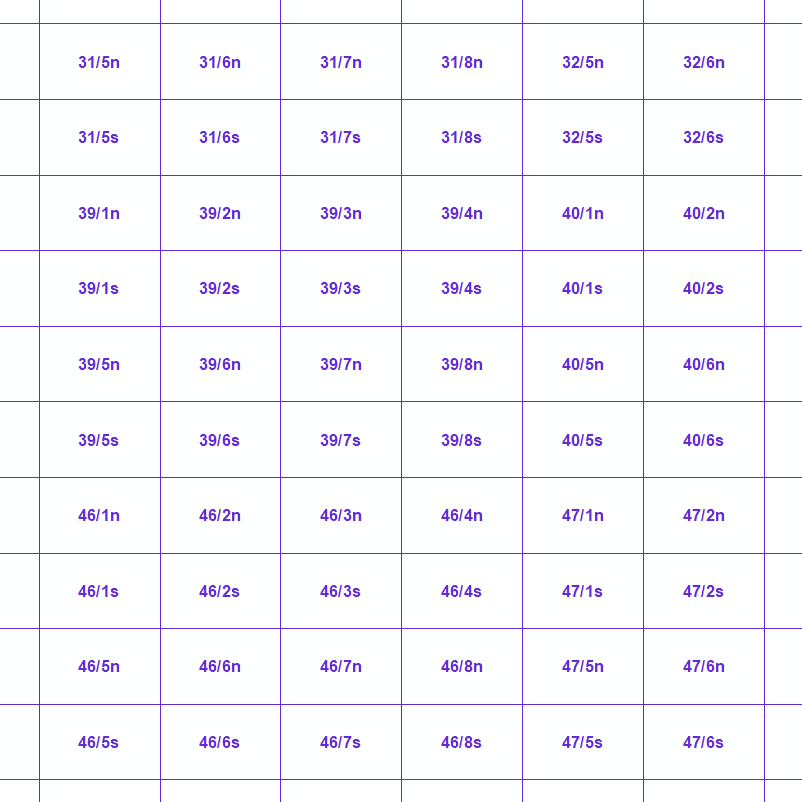
Mapindex is a WMS which allows viewing the regular index grid which has been defined on five levels for the entire Belgian territory. It has been defined in order to allow a zonal geolocation. The present version is a beta version (v2) which is submitted to the emergency services. It will evolve to a standard cartographic grid.
-
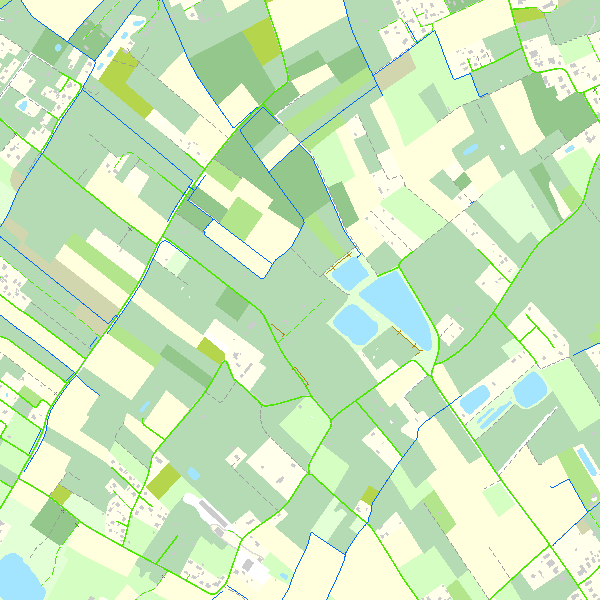
This webservice allows the Top10Vector product, containing topographical vector data covering the whole of Belgium, to be visualised. The product consists of 35 feature types grouped into 8 different topics: ‘Constructions, ‘Particular zones, ‘Land cover and vegetation, ‘High-voltage network, ‘Hydrography’, ‘Local relief’, ‘Railway network’ and ‘Road network’. The link to the webservice is available under 'Access' at the bottom of this page.
-

INSPIRE compliant view service for geographic information of general marine datasets made available by the Royal Belgian Institute for Natural Sciences (RBINS). More specific products such as the Marine Spatial Plan and the MSFD data are provided by other WMS services.
-

Climate indicators for a present (1975) and future (2085) target year under a mean and high impact scenario (view and download service with raster files). The climate indicators for Belgium were obtained by a statistical downscaling based on the high-resolution Belgian climate model projections, as well as on a large set of both Global Climate Model runs (CMIP5) and Regional Climate Model runs for Europe (EURO-CORDEX).
-

INSPIRE compliant download service (ATOM) for geographic information of general marine datasets made available by the Royal Belgian Institute for Natural Sciences (RBINS).
-

INSPIRE compliant download service (WFS) for geographic information of the Marine Spatial Plan made available by the Royal Belgian Institute for Natural Sciences (RBINS).